Fleets
A Fleet is the fundamental logical grouping mechanism in Admiral. Fleets group hardware assets that share the same operational mission: active configuration version, network failover credentials, OS component version baselines, and spatial sensing policies.
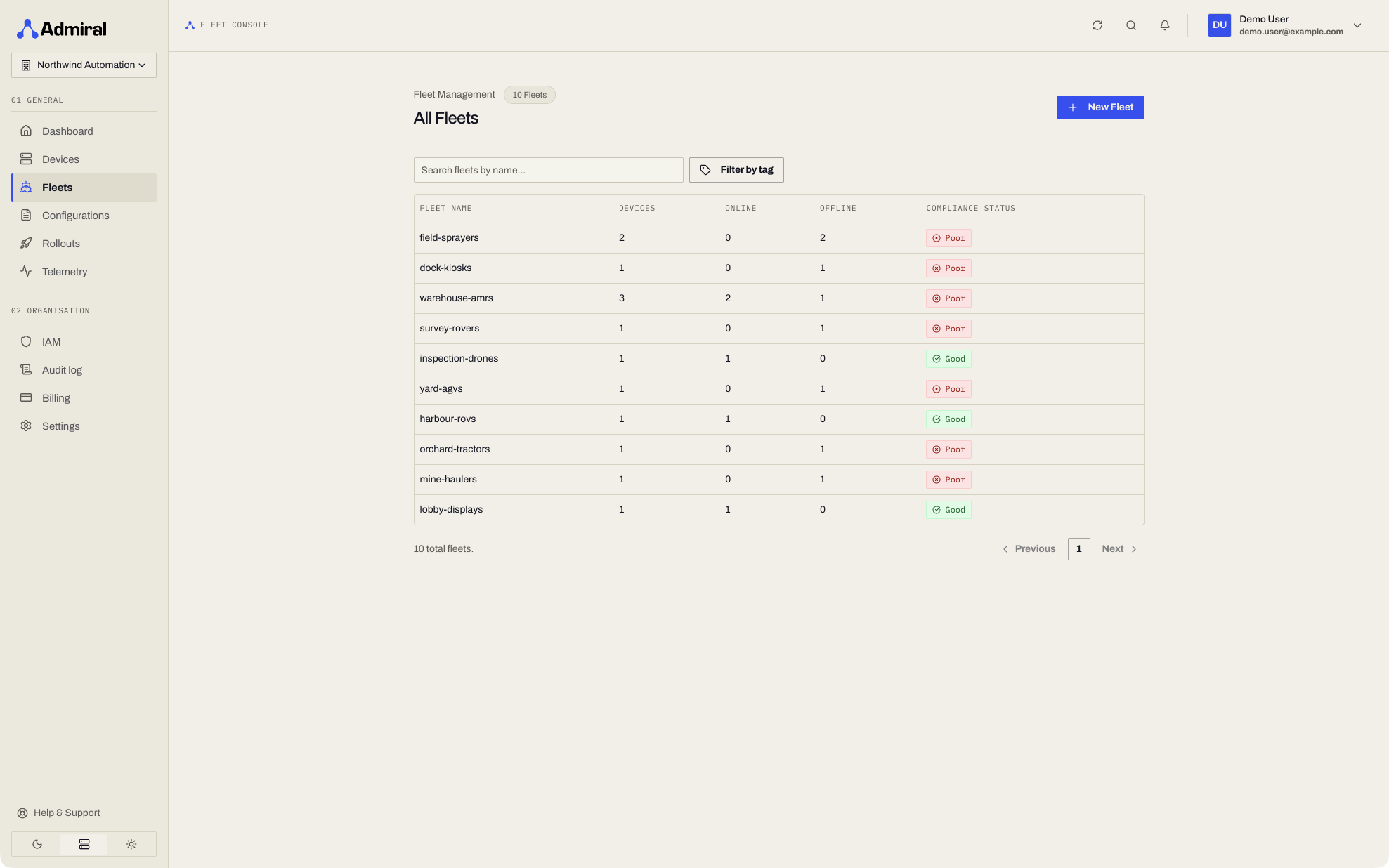
Fleet Organization Strategies for Robotics & Edge Devices
Organize your hardware assets based on your operational topology:
- Autonomous Mobile Robots (AMRs) & AGVs:
Warehouse-AMR-Zone-1,Cleanroom-Delivery-Bots,Logistics-Sorting-AGVs. - Robotics Cells & Manipulators:
Assembly-Line-Cell-A,Inspection-Gantries-Staging. - Smart Kiosks & Digital Displays:
Sydney-Flagship-Displays,Airport-Wayfinding-Kiosks. - By Deployment Tier:
Production-Fleets,Staging-Canary,Hardware-Lab-Test.
Creating a Fleet
Click Fleets > New Fleet and enter a name, and optionally a description, location, tags, and the groups that may access it. You can choose the fleet's Configuration when you create it, or leave it as None (assign later).
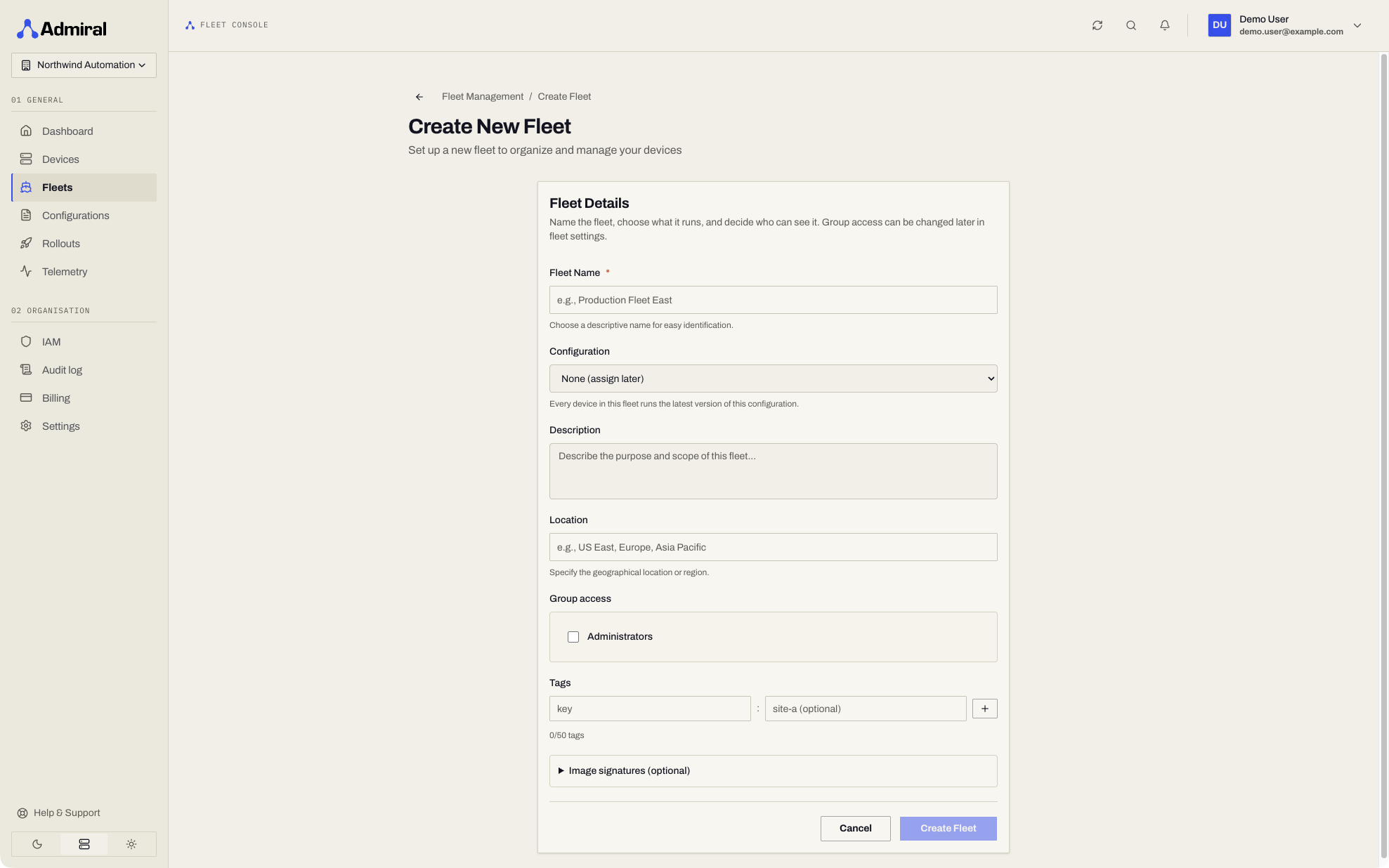
Fleet Management Pages
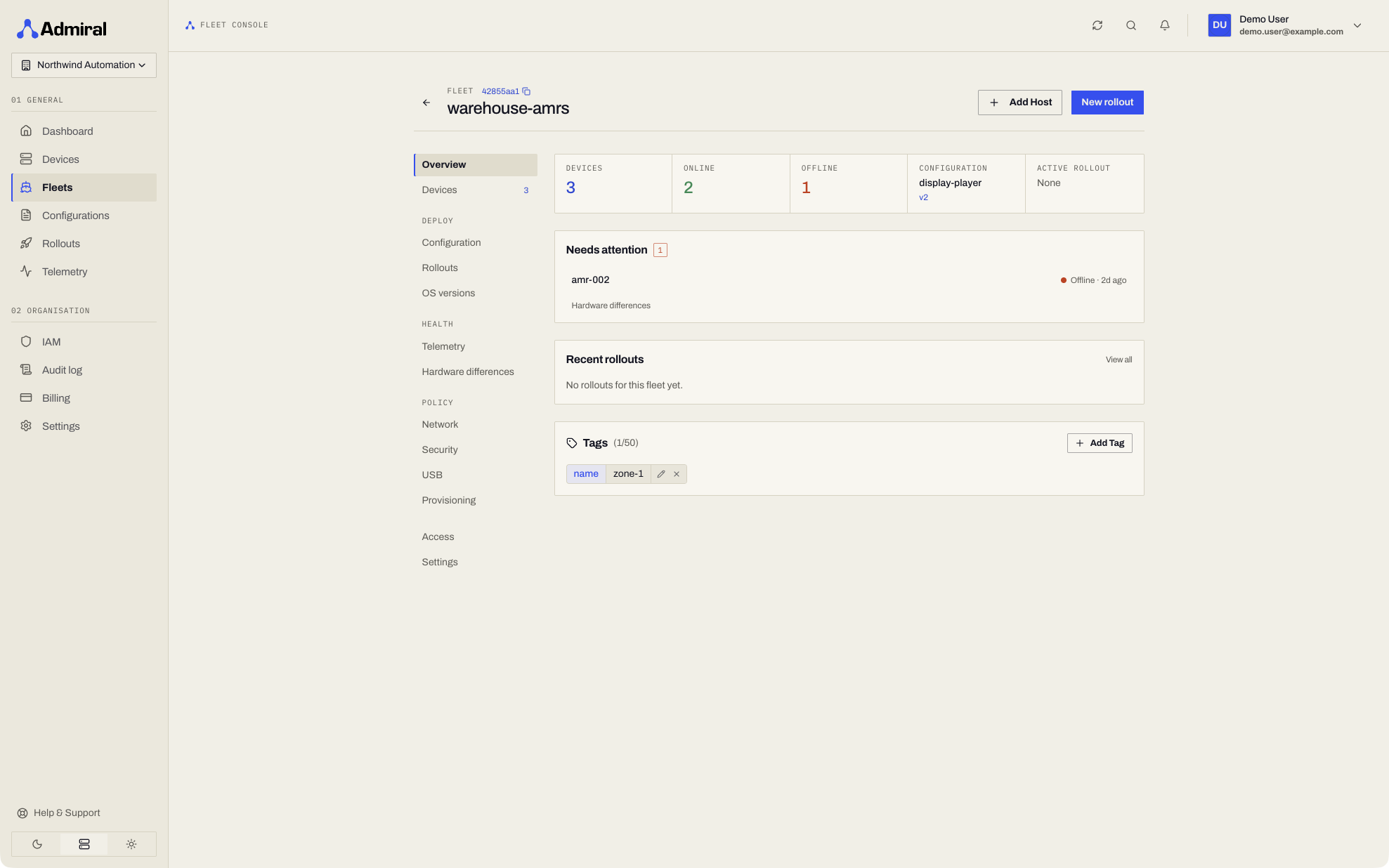
Opening a fleet (https://app.admrl.co/fleets/<fleet-id>) shows a side navigation with these pages: Overview and Devices; Deploy (Configuration, Rollouts, OS versions); Observe (Telemetry, Logs, Hardware differences, and AirDetect once enabled for the fleet); Policy (Network, Security, USB, Provisioning, Device policy); and Access and Settings. The Custom metrics switch is on the fleet Settings page.
1. Overview
- Real-time fleet health metrics: Total Hosts, Online Count, Offline Count.
- Fleet compliance status indicator (Good, Warning, or Poor).
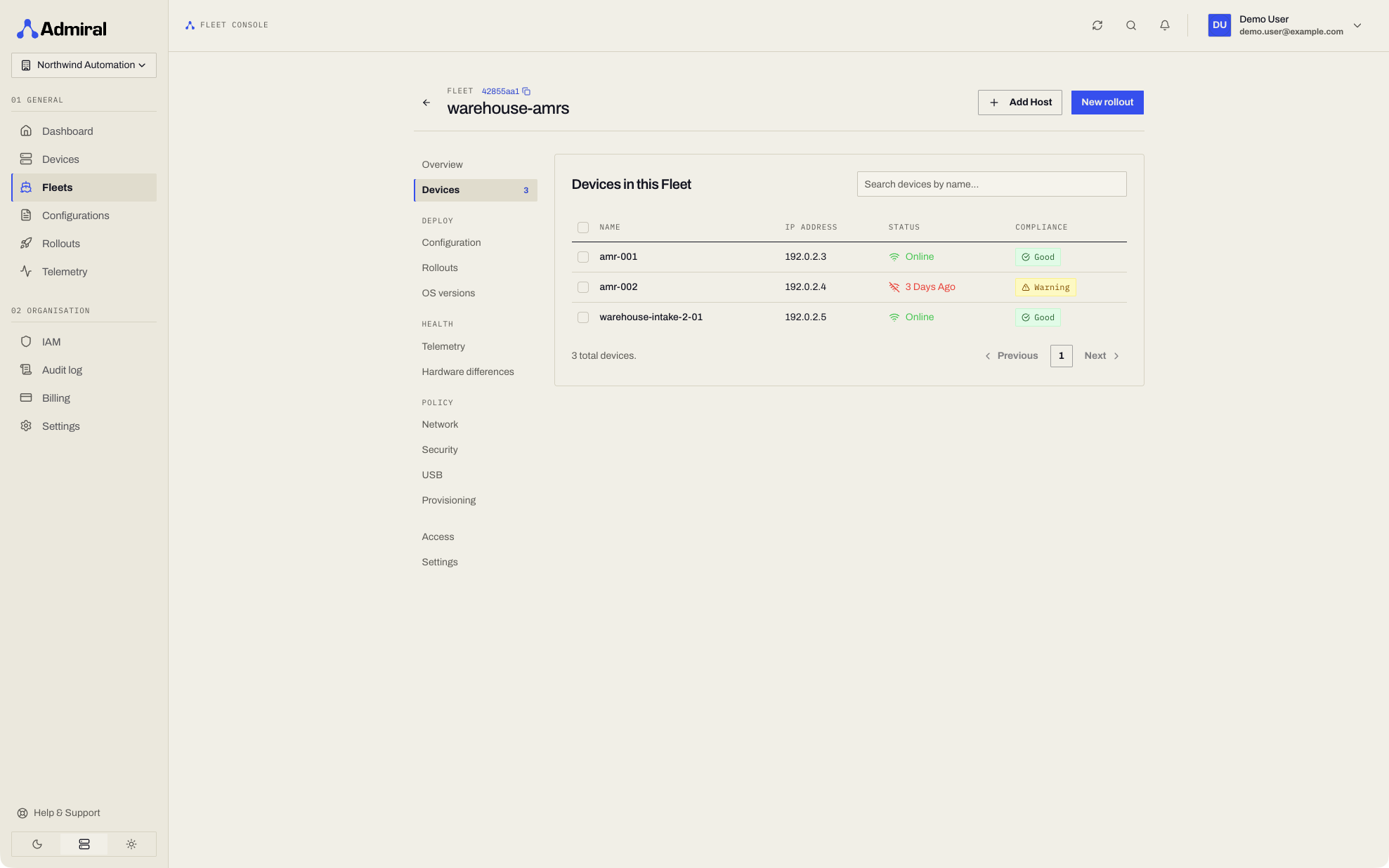
2. Devices
- Searchable and paginated inventory of all member devices.
- Live latency and connection status badges.
- Direct one-click navigation to any robot or host's telemetry cockpit.
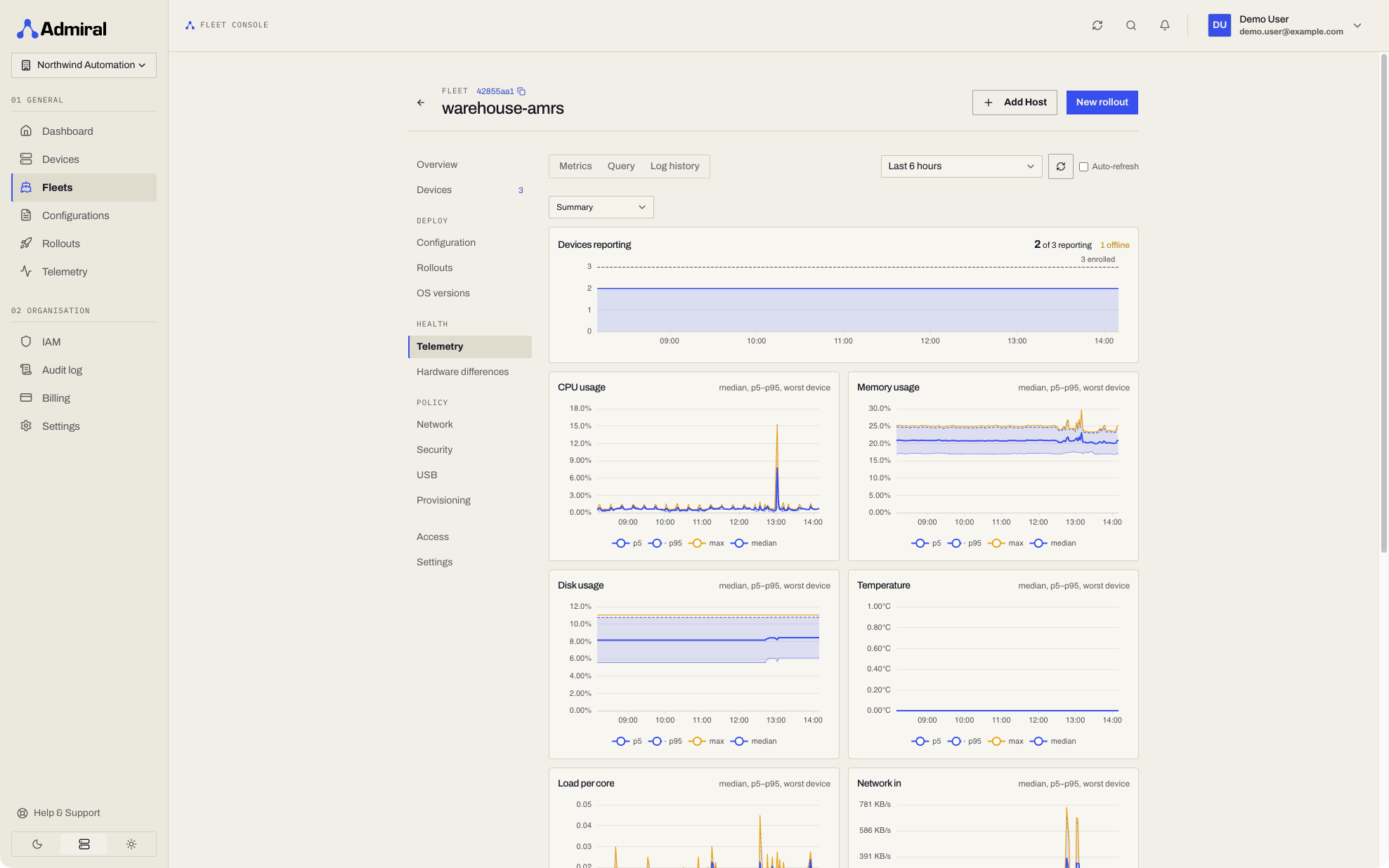
3. Telemetry (Observe)
- Fleet-wide metrics grouped by device, and ad-hoc queries across every device in the fleet. See Telemetry. Log search is under Observe > Logs.
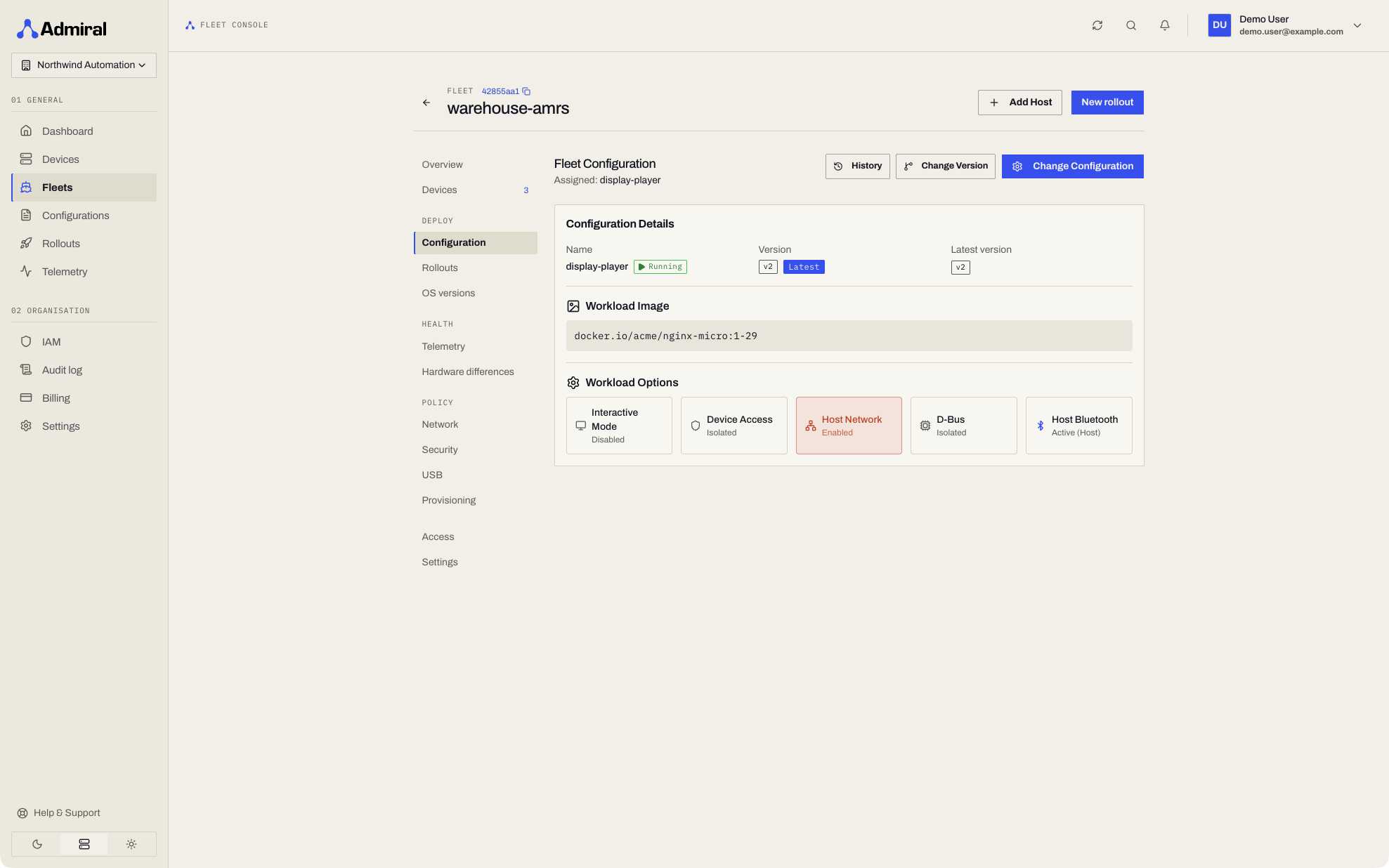
4. Configuration (Deploy)
- Assign Configuration: Bind an active container specification to the fleet.
- Version Selector: Switch the fleet's active revision or lock to
latest. - Revision History: Inspect the audit log of which version was deployed, when, and by whom.
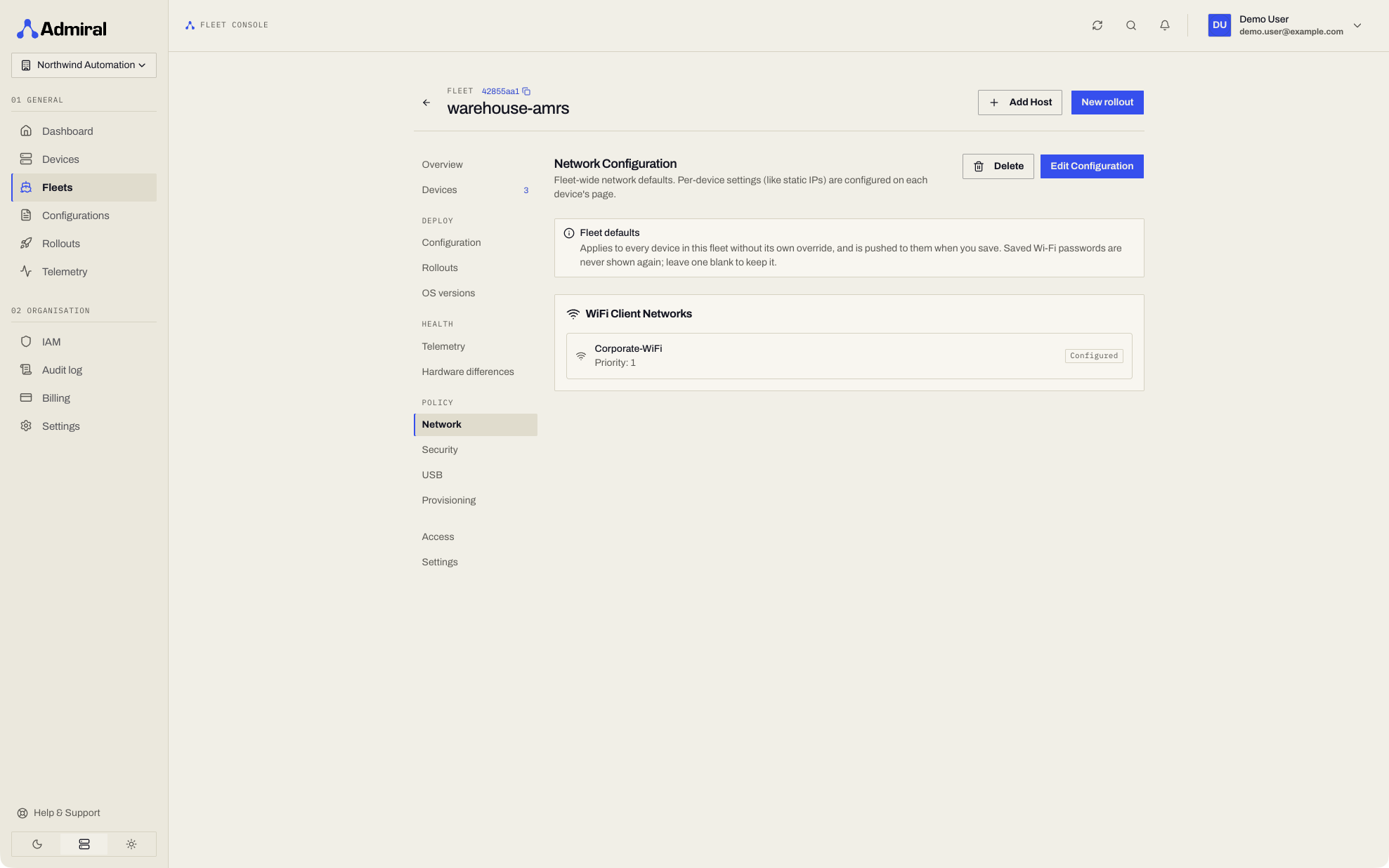
5. Network (Policy)
- Priority-ordered Wi-Fi networks pushed to every device in the fleet. See Networking & Failover.
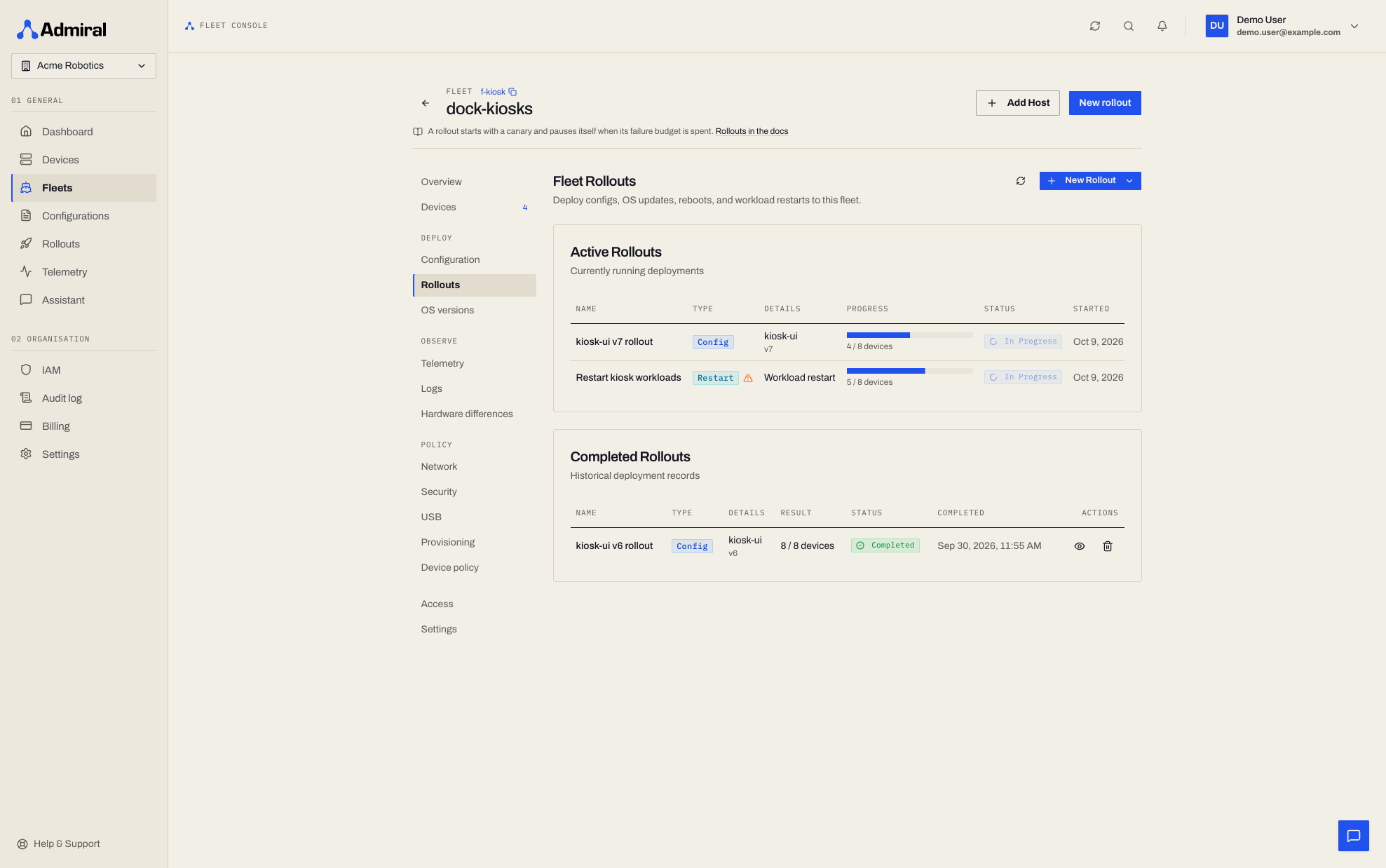
6. Rollouts (Deploy)
- Scheduled, active and completed rollouts targeting this fleet, with a progress bar per active rollout and the full live view on each rollout's detail page. See Rollouts.
- The fleet Overview shows the current rollout with a converged-versus-target chip (for example
38/42 converged · 1 failed).
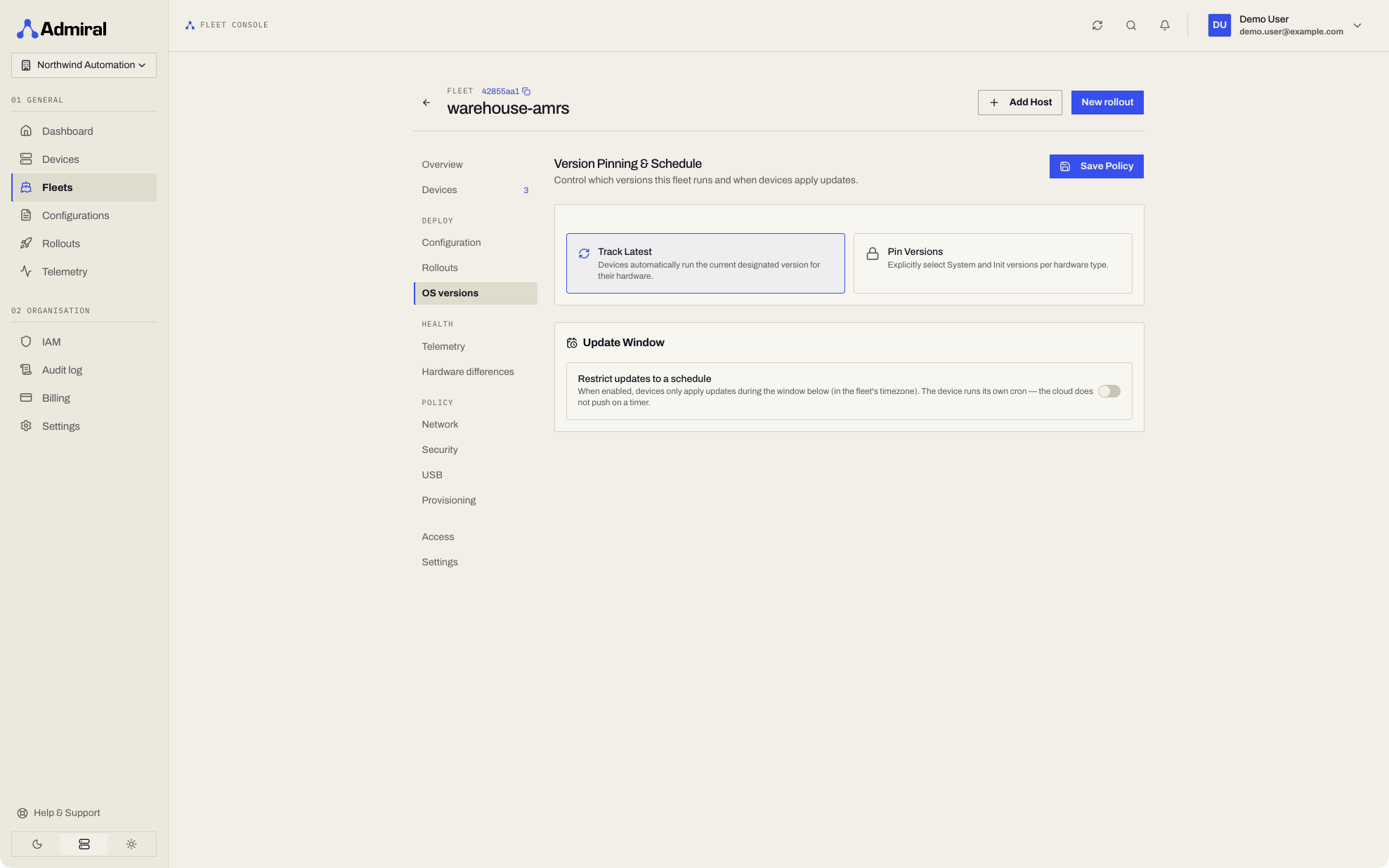
7. OS versions (Deploy)
- Pin the Admiral OS component versions (manager, system image, kernel) the fleet runs; devices on other versions are flagged. See OS Version Pinning.
8. Hardware differences (Observe)
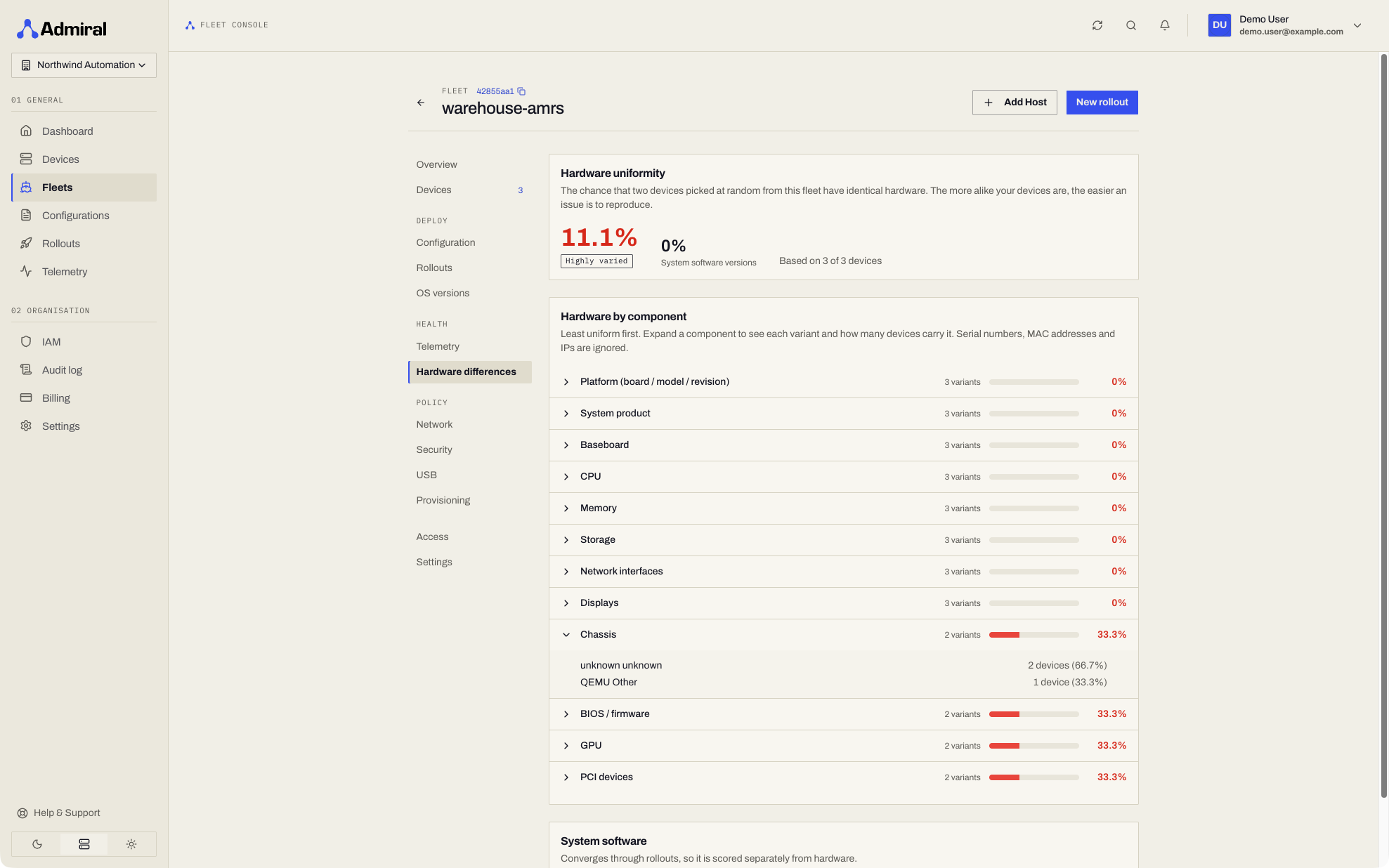
How alike is the hardware in this fleet? The Hardware differences page answers with a single score: the chance that two randomly chosen devices in the fleet have identical hardware.
- Headline score with a badge: Highly uniform (95% and above), Mixed hardware (75% and above), or Highly varied.
- Hardware by component, least uniform first: platform, product, baseboard, chassis, firmware, CPU, memory, GPU, accelerators, storage, network interfaces, PCI devices, and displays. Expand a component to see each variant and how many devices have it.
- System software: how consistently the fleet runs the same Admiral component versions.
- Serial numbers, MAC addresses, and IP addresses are ignored.
Use it to spot the odd unit out before a rollout (a different board revision, a missing accelerator, older firmware), or to confirm a hardware batch is consistent.
API: GET /v1/fleets/{fleetId}/uniformity returns the overall hardware_percent and software_percent and a components list with each variant's devices.
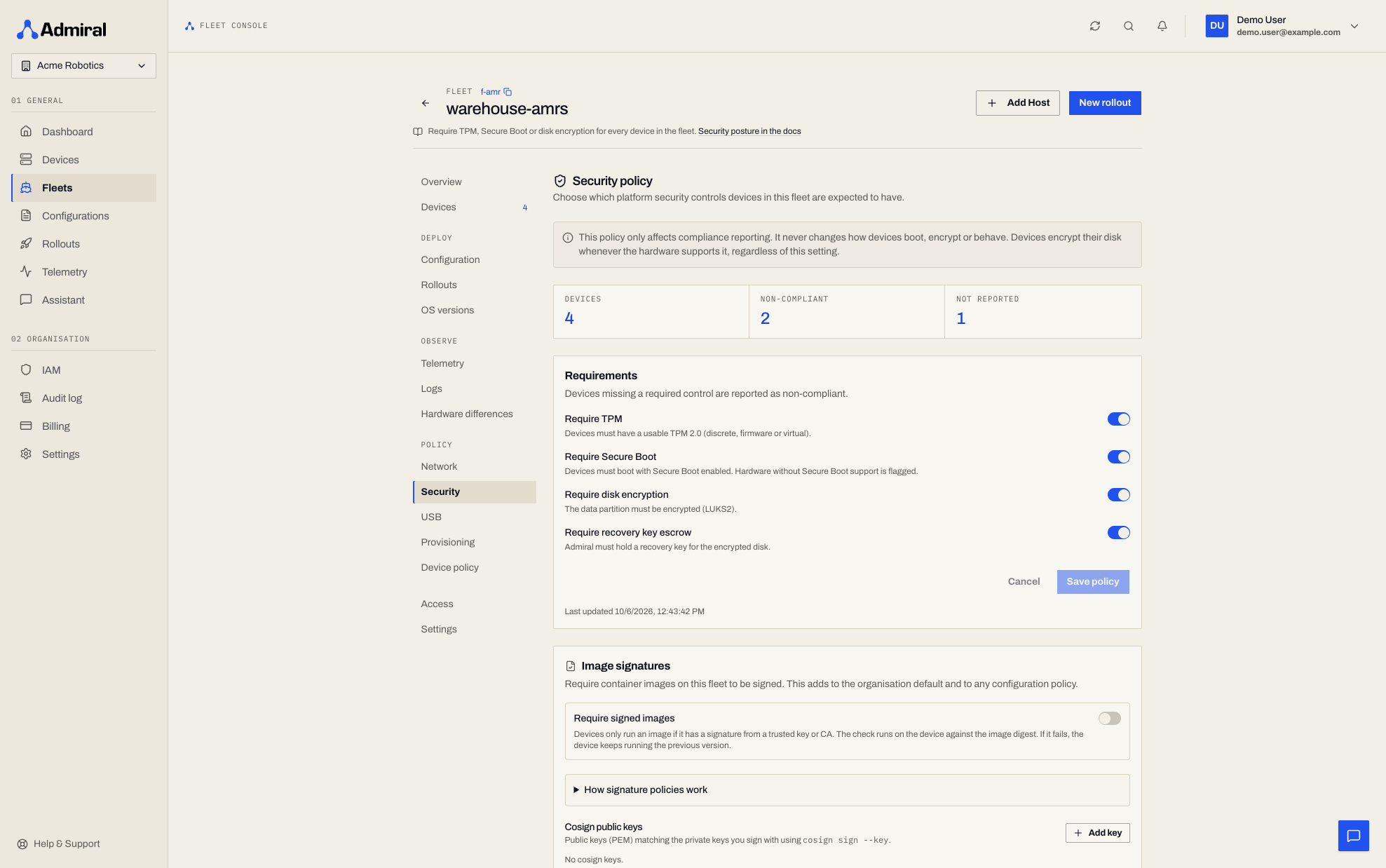
9. Security (Policy)
- Declare which security features the fleet requires (TPM, Secure Boot, disk encryption, recovery key escrow) and see how many devices fall short. See Device Security & Compliance.
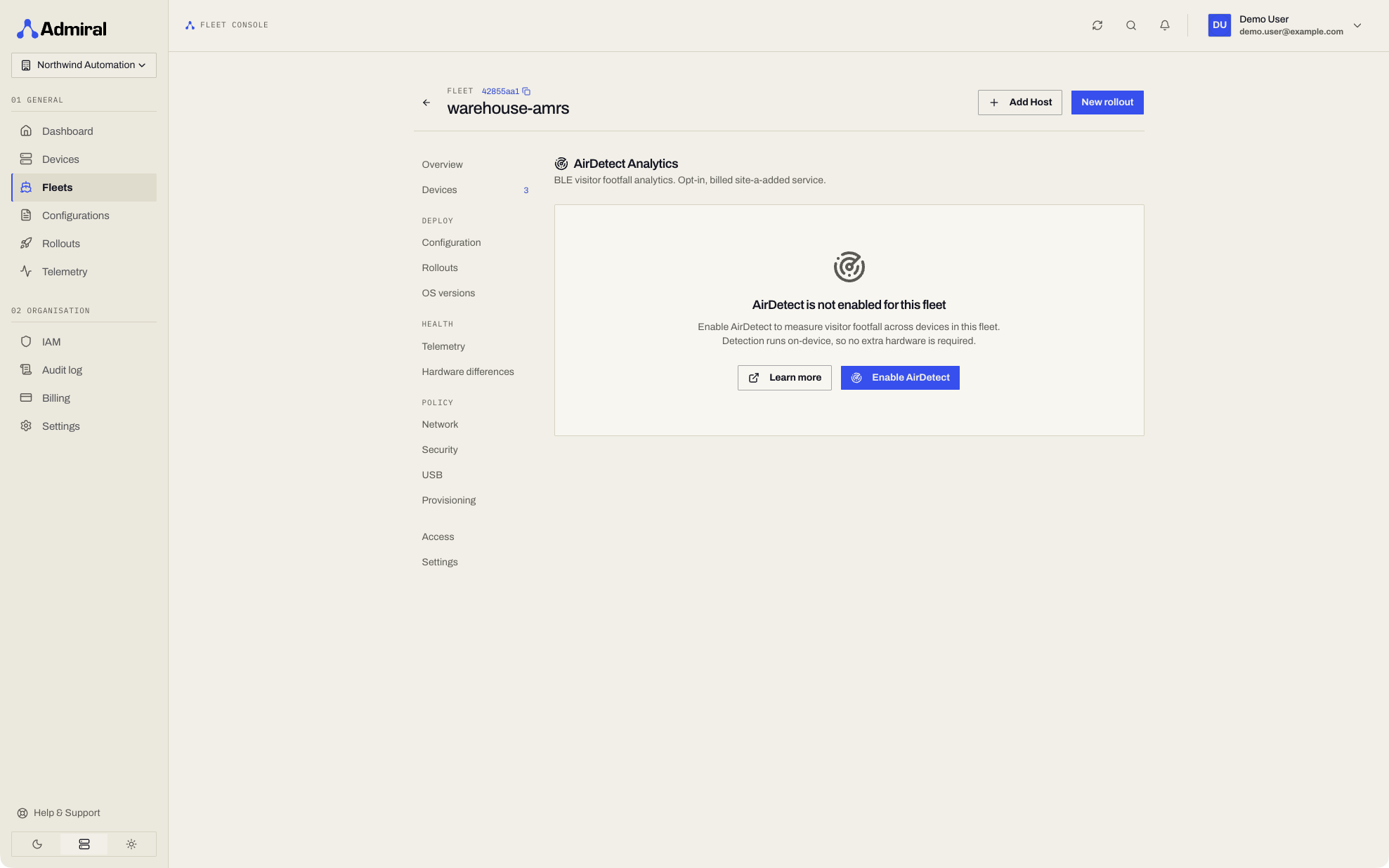
10. AirDetect™ Foot-Traffic Analytics
- Live presence, dwell times, and CSV export across every device in the fleet. See AirDetect.
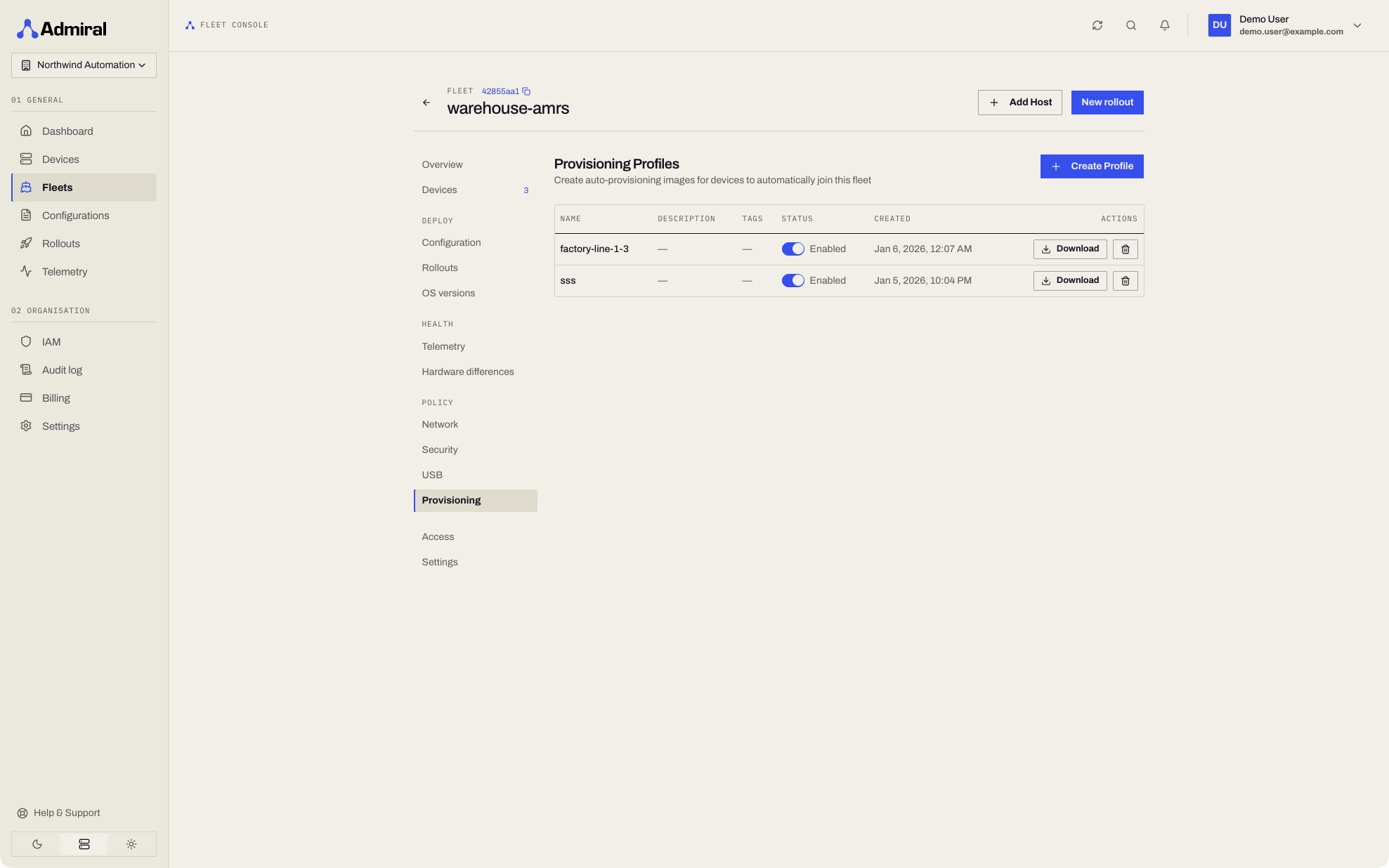
11. Provisioning (Policy)
- Pre-enrolled Admiral Base OS images that join this fleet on first boot. See Auto-Provisioning.
Next Steps
Learn how to safely deploy updates across your fleets with Rollouts v2.