Access Explorer
The Access Explorer is an auditing tool for answering two questions:
- What can a subject do? - given a user or service account, list every permission it effectively holds.
- Who can access a resource? - given a resource, list every subject that holds access to it.
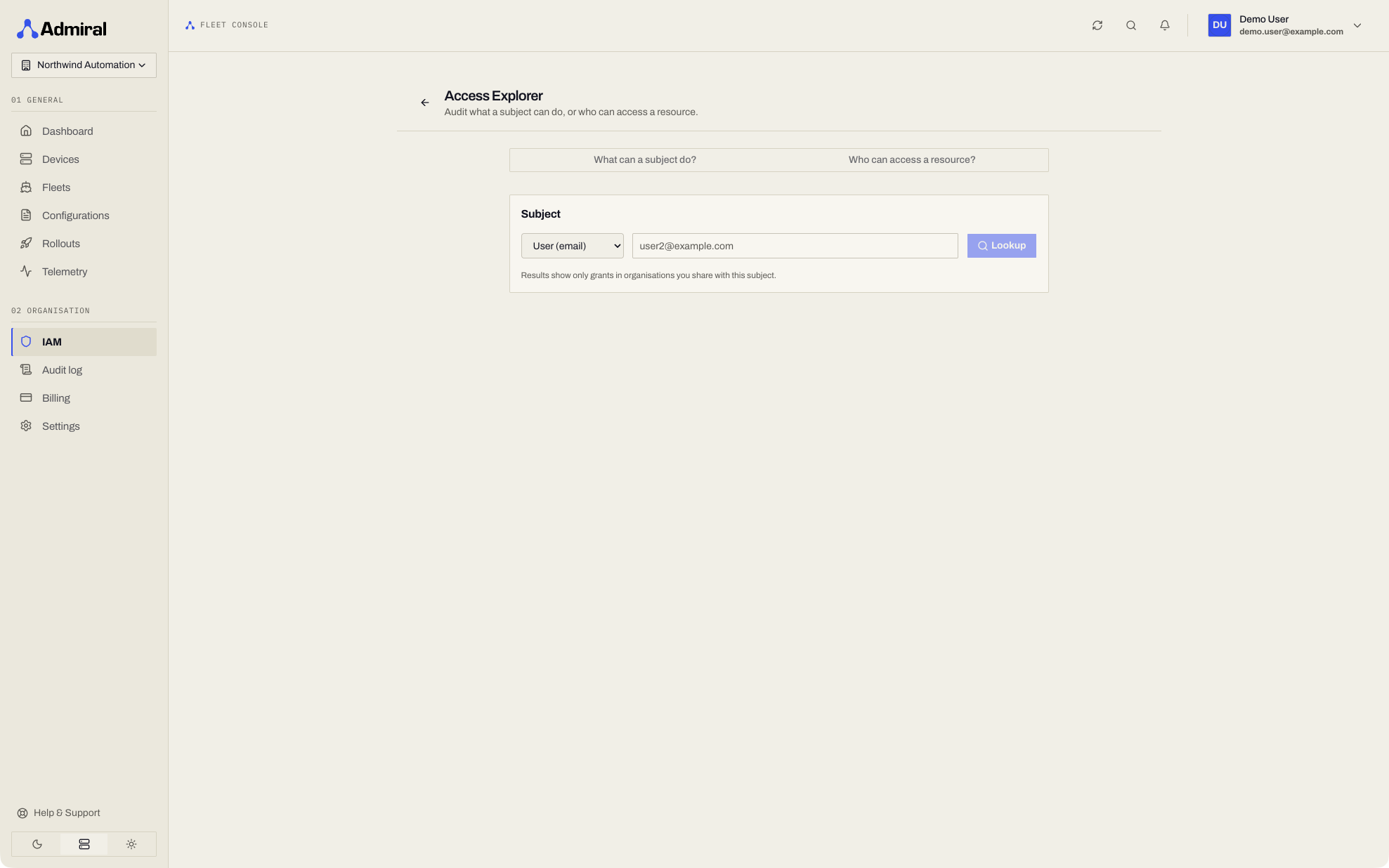
You can reach it from the sidebar under Access > Explorer (https://app.admrl.co/access/explorer).
What Can a Subject Do?
Look up the effective access of a user or service account.
- Choose the subject kind:
- User - identified by email (e.g.
[email protected]). - Service account - identified by its ID (e.g.
sa_...).
- User - identified by email (e.g.
- Enter the identifier and click Lookup.
The results list every grant the subject holds, showing the relation and the scope it applies to.
From any result you can jump to Who else? to pivot into a scope lookup for that resource.
Who Can Access a Resource?
Look up every subject that holds access to a specific resource.
- Choose the scope type (e.g. fleet, configuration, organisation).
- Enter the resource ID and click Lookup.
The results list each holder, labelled as either a User or a Service Account, along with the relation they hold.
- For a service account holder, you can jump straight to its detail page.
- For a user holder, you can pivot to their effective access view.
Resources in other organisations
If the resource belongs to an organisation you cannot see, the lookup returns no holders. It does not reveal whether the resource exists.
Deep Linking
The Access Explorer supports query parameters so you can link directly to a lookup:
# What can this user do?
/access/explorer?subject=user:[email protected]

# What can this service account do?
/access/explorer?subject=service_account:sa_xxx

# Who can access this fleet?
/access/explorer?scope=flotilla:fleet-uuid
This is useful for embedding audit links in runbooks, tickets, or incident notes.
Typical Audit Workflows
Offboarding check - look up a departing employee to confirm what they can still access, then revoke as needed.
Blast-radius review - look up a service account before rotating or deleting it to understand what will break.
Resource ownership - look up a sensitive fleet to confirm only the intended subjects hold access.
Next Steps
- Roles & Permissions - capability bundles and roles
- Users, Groups & Access - manage team members and raw policies
- Service Accounts - machine identities