Account Security & Audit Trail
Admiral provides enterprise-grade authentication, FIDO2/WebAuthn Passkey support, and comprehensive organizational audit logging.
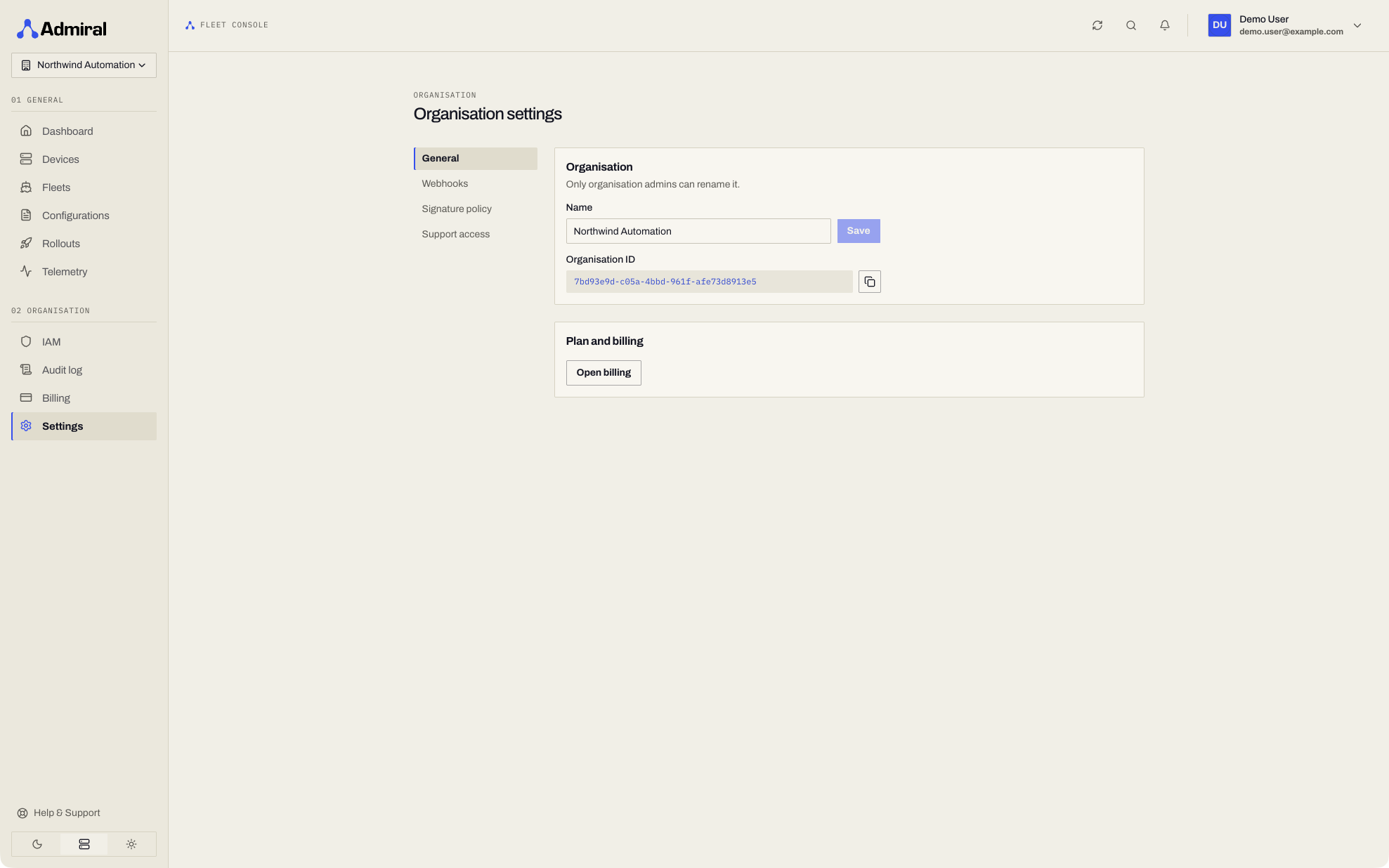
Authentication Methods
Access your sign-in security settings under Account > Security (https://app.admrl.co/account/security).
1. Passkeys (FIDO2 / WebAuthn)
Admiral provides native support for modern passwordless authentication:
- Supported Authenticators: Apple Touch ID / Face ID, Windows Hello, Android Biometrics, and hardware security keys (YubiKey 5 Series, Google Titan).
- Phishing-Resistant: Cryptographic public-key credentials bound to the
admrl.coorigin cannot be intercepted by phishing proxies. - Adding a Passkey:
- Go to Settings > Passkeys.
- Click Add Passkey.
- Complete your device biometric or insert and touch your hardware security key.
- Provide an identifier (e.g.,
MacBook Pro Touch IDorPrimary YubiKey 5C).
2. Traditional Password & Two-Factor Authentication (2FA)
- Minimum 12 characters requiring mixed case, numbers, and symbols.
- Time-based One-Time Password (TOTP) compatible with Google Authenticator, 1Password, and Apple Keychain.
- One-time emergency recovery codes generated upon 2FA enrollment.
Organization Audit Log
The audit log is available on Enterprise accounts (see Plans & Add-ons). Reading the audit log requires the View audit log capability (View audit log), included in the Viewer and Administrator roles.
The Audit log (https://app.admrl.co/audit-log, under Organisation in the sidebar) tracks all administrative operations, fleet modifications, rollout triggers, and access events across your tenant:
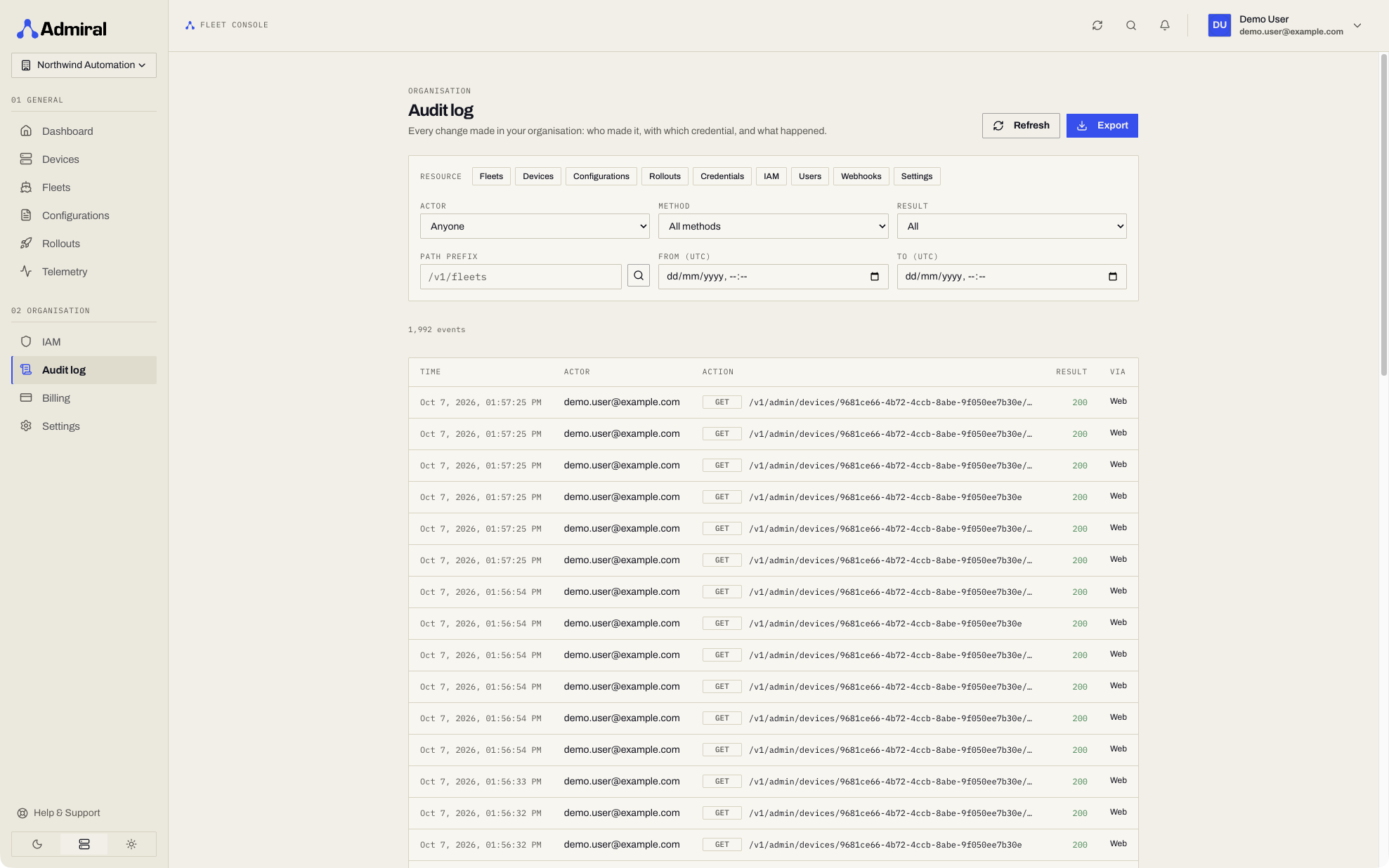
Recorded Operations
- Host Lifecycle: Pairings, unpairings, hardware resets, and volume wipes.
- Configuration Versions: Version authoring, spec changes, and deployment triggers.
- Rollout Executions: Canary starts, pauses, cancellations, and failure interruptions.
- Device Diagnostics: Live probes, and adopting or discarding settings changed on a device.
- Admiral Support Actions: Every action Admiral support takes on one of your devices (opening it, probes, log reads, support bundles, diagnostics mode, platform access session terminations). See Admiral Support Team.
- Access & IAM: Role creations, role assignments, policy attachments, service account key rotations, and user invitations.
- Security Events: Passkey enrollments, password resets, and session revocations.
- Remote Access: CLI sign-in approvals, platform access session starts, remote disk unlock grants, and every time a device's disk recovery key is revealed, including denied attempts.
Read-only telemetry queries and alert rule previews are not recorded. The contents of uploaded secret files are always redacted from audit entries.
Each audit record captures the timestamp, initiating actor (human user email or service account ID), IP address, target resource UUID, and complete action payload for compliance auditing (SOC 2, ISO 27001).
To enforce minimum Admiral OS versions across devices, see Minimum Version Floors.